Instant digital delivery · Secure Stripe & Etsy checkout · One-time purchase

ProFormaGRID
DAYLIGHT & BLOOM / JOURNALS & PLANNERS

Make room for your days.

Design a calm, hyperlinked digital planner tailored to your routine, decorate your week with pastel stickers, or download the 149-page Bloom Academic Planner for Goodnotes and Notability.

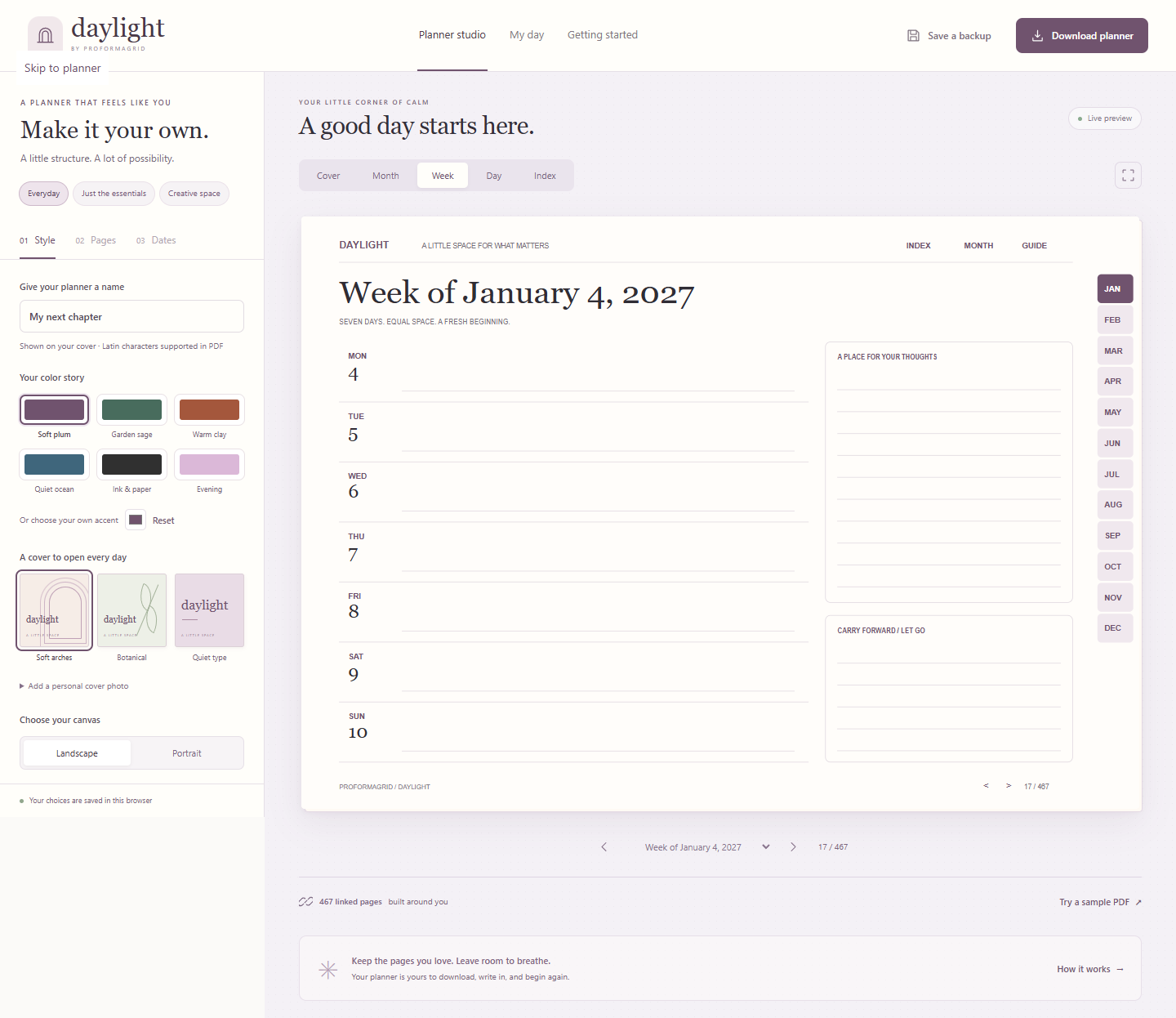
Daylight classic planner studio with a weekly planner and customization controls
01 / CLASSIC EDITION

A little structure.
A clearer day.

Choose your dates, colors, daily and weekly layouts, and the sections that fit your life. Make room for goals, habits, reflections, and notes.

  • Dated or reusable undated pages
  • Linked monthly, weekly, and daily planning
  • Personal cover, flexible layouts, PDF export
Open Classic Studio ↗View a sample PDF →
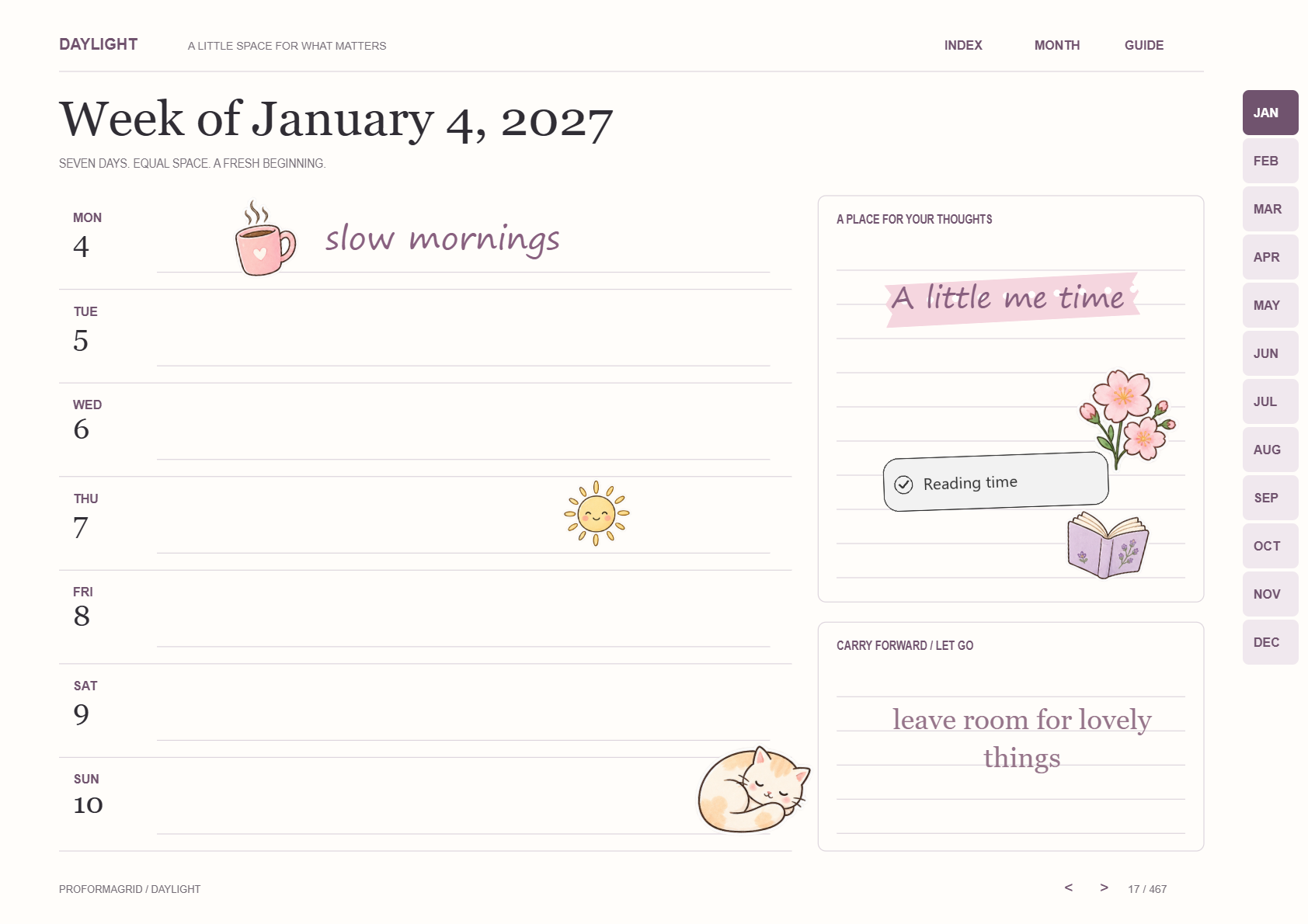
A pastel weekly planner decorated with a coffee mug, flowers, sunshine and a sleeping cat
02 / STICKER EDITION

Your plans.
Your little world.

Add a little personality to every page. Arrange original pastel illustrations, word stickers, sticky notes, your own photos, and personal reminders.

  • 54 stickers and paper pieces to start with
  • Drag, resize, rotate, layer, and add your words
  • Editable backups plus PDF and PNG export
Open Sticker Studio ↗View a decorated sample →
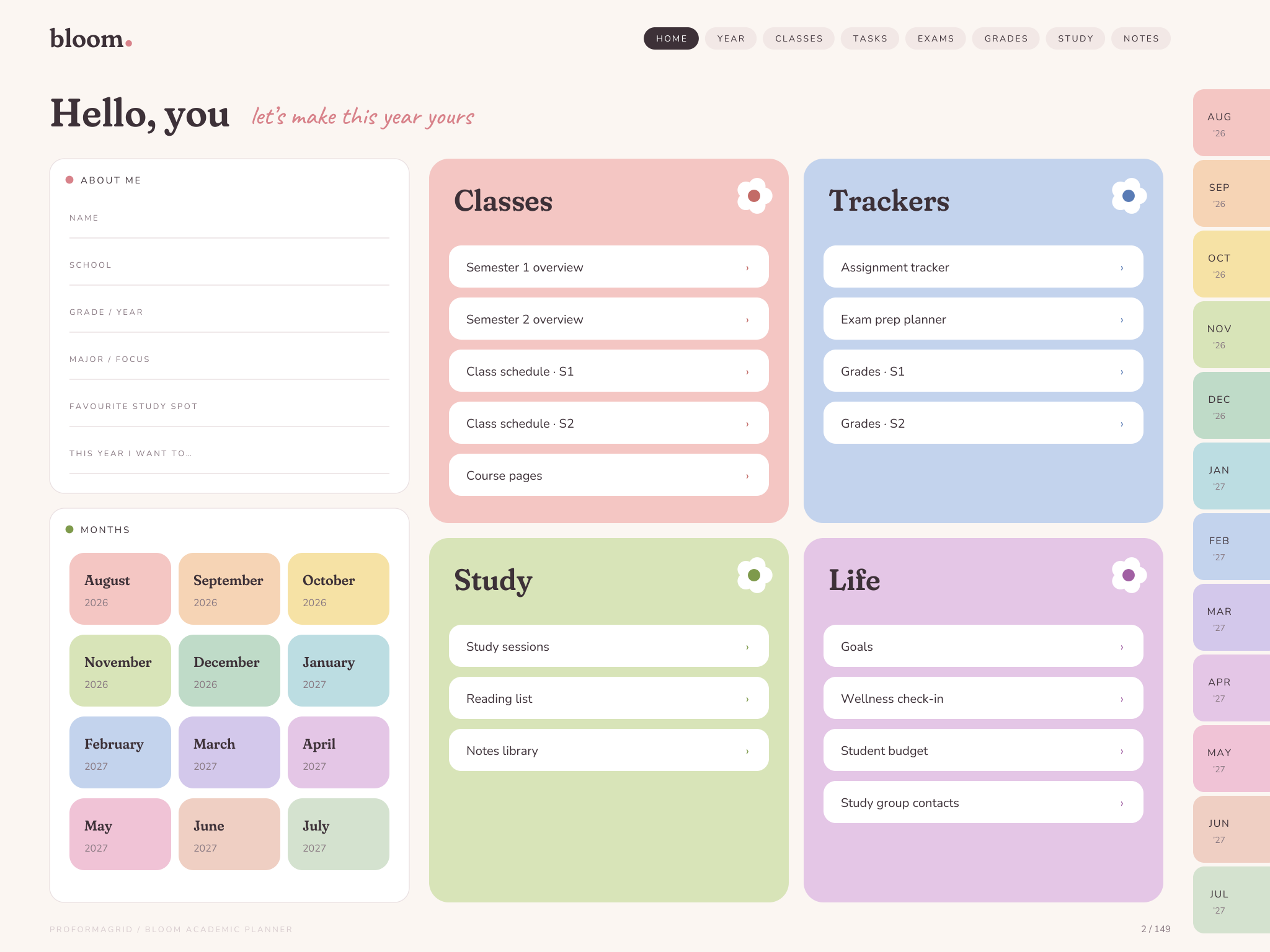
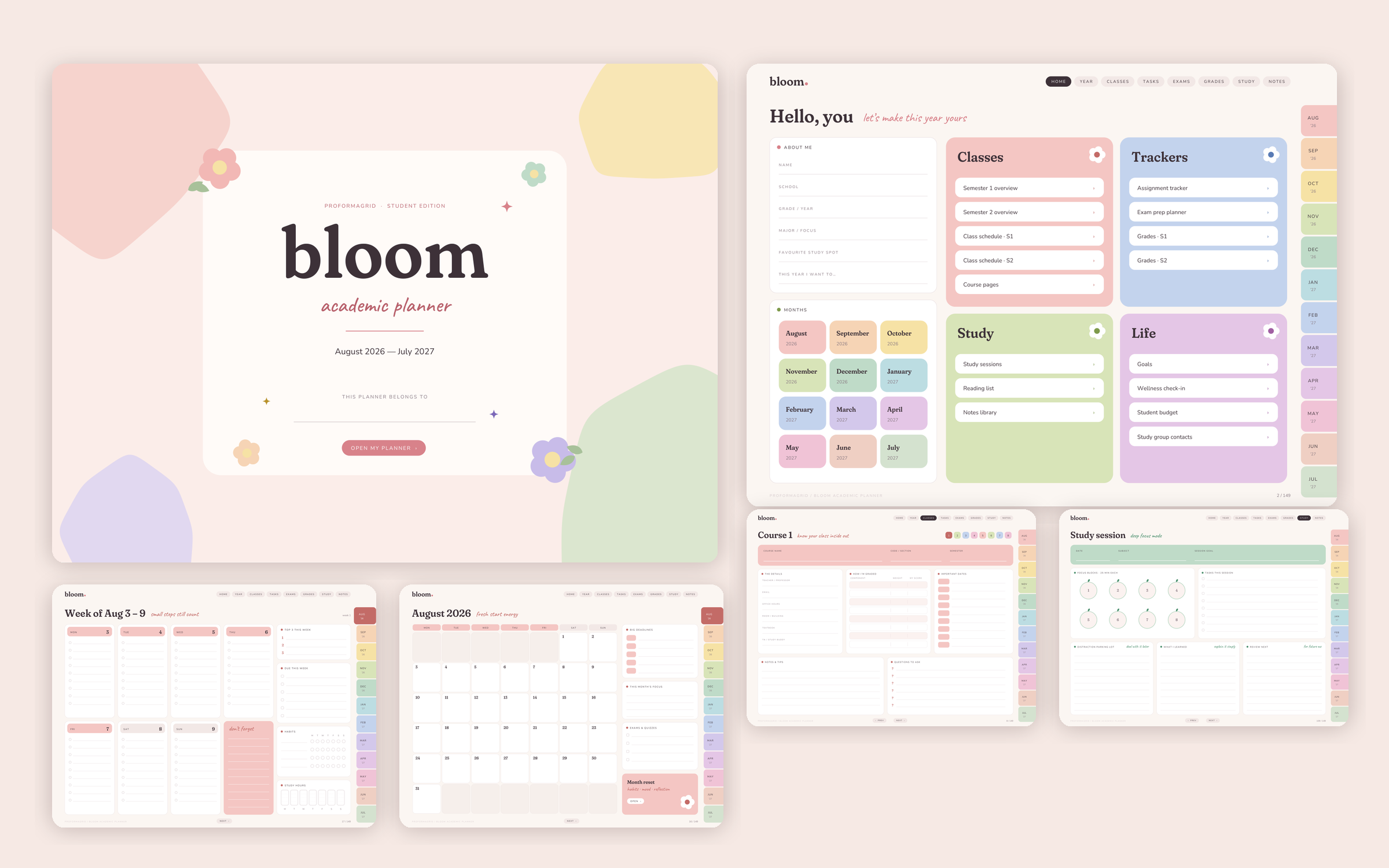
Bloom academic planner home page with pastel section cards for classes, trackers, study and life
03 / BLOOM STUDENT EDITION

Your semester.
In full bloom.

A pastel academic planner for high school, college, and university. Plan classes, deadlines, exams, and study sessions, with room for goals, wellness, and a little budget too.

  • August 2026 – July 2027, 149 linked pages
  • Class schedules, course pages, grade and exam trackers
  • Landscape PDF for Goodnotes and Notability
Download the Bloom planner ↓See inside the pages →
FROM YOUR FIRST PAGE TO EVERY DAY

Choose. Personalize. Keep.

  1. 01 / Make it yours

    Customize your start month, weekly layout, and daily sections in Classic Studio — or decorate your pages with 54 pastel stickers in Sticker Studio.

  2. 02 / Export in one click

    Download a crisp, hyperlinked PDF ready for Goodnotes, Notability, or printing, and save a JSON backup to re-edit your setup anytime.

  3. 03 / Plan your way

    Write by hand with your Apple Pencil on iPad, or update and re-export your pages right from your browser whenever your routine changes.

YOUR PLANNER, ON YOUR IPAD

Bring your pages to Goodnotes.

Import your hyperlinked planner PDF into Goodnotes or Notability and add the 16 illustrated PNG stickers as movable elements. Our step-by-step iPad guide walks you through everything in under five minutes.

Read the iPad guide →
Where are my changes saved?

Each studio saves directly in your browser so your privacy stays intact. Click Save a backup anytime to download an editable file you can reopen later or move to another device.

Can I move stickers after exporting a PDF?

Stickers placed inside the web Sticker Studio are baked into the exported PDF page. To move and reuse stickers freely inside Goodnotes on your iPad, import the clean planner PDF and add our separate 16-piece transparent PNG sticker pack into Goodnotes Elements.

Download the 16 illustrated PNG stickers →
What do I need for handwriting on iPad or tablet?

Any PDF annotation app such as Goodnotes, Notability, or Samsung Notes paired with a stylus (like Apple Pencil). Use the web studios to customize your layout, dates, and typed text, then export your hyperlinked PDF for smooth handwriting.